
Tool 01
Home Maintenance Cost Calculator
Estimate a realistic yearly upkeep budget from your home's age, size, systems, and repair allowances.
Open calculatorHome maintenance tracker
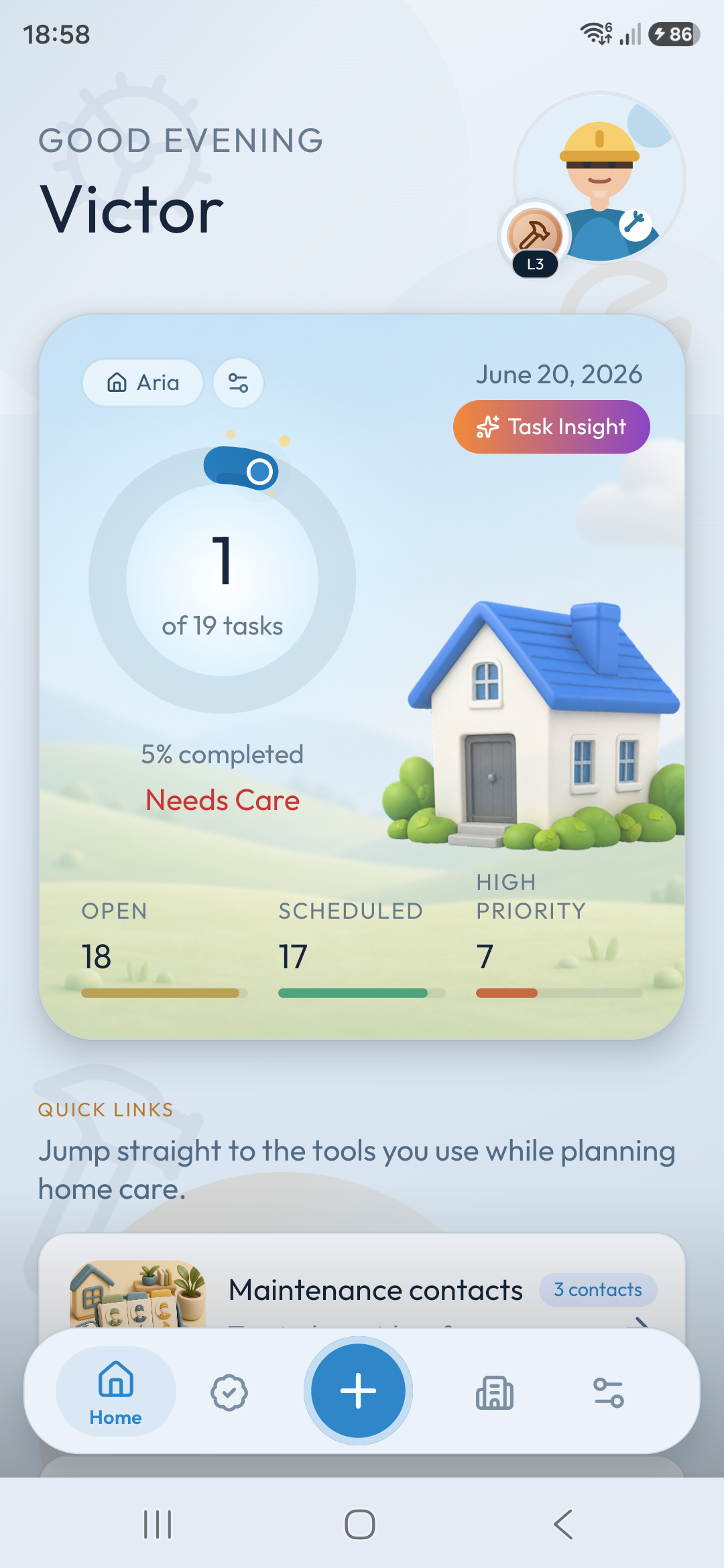
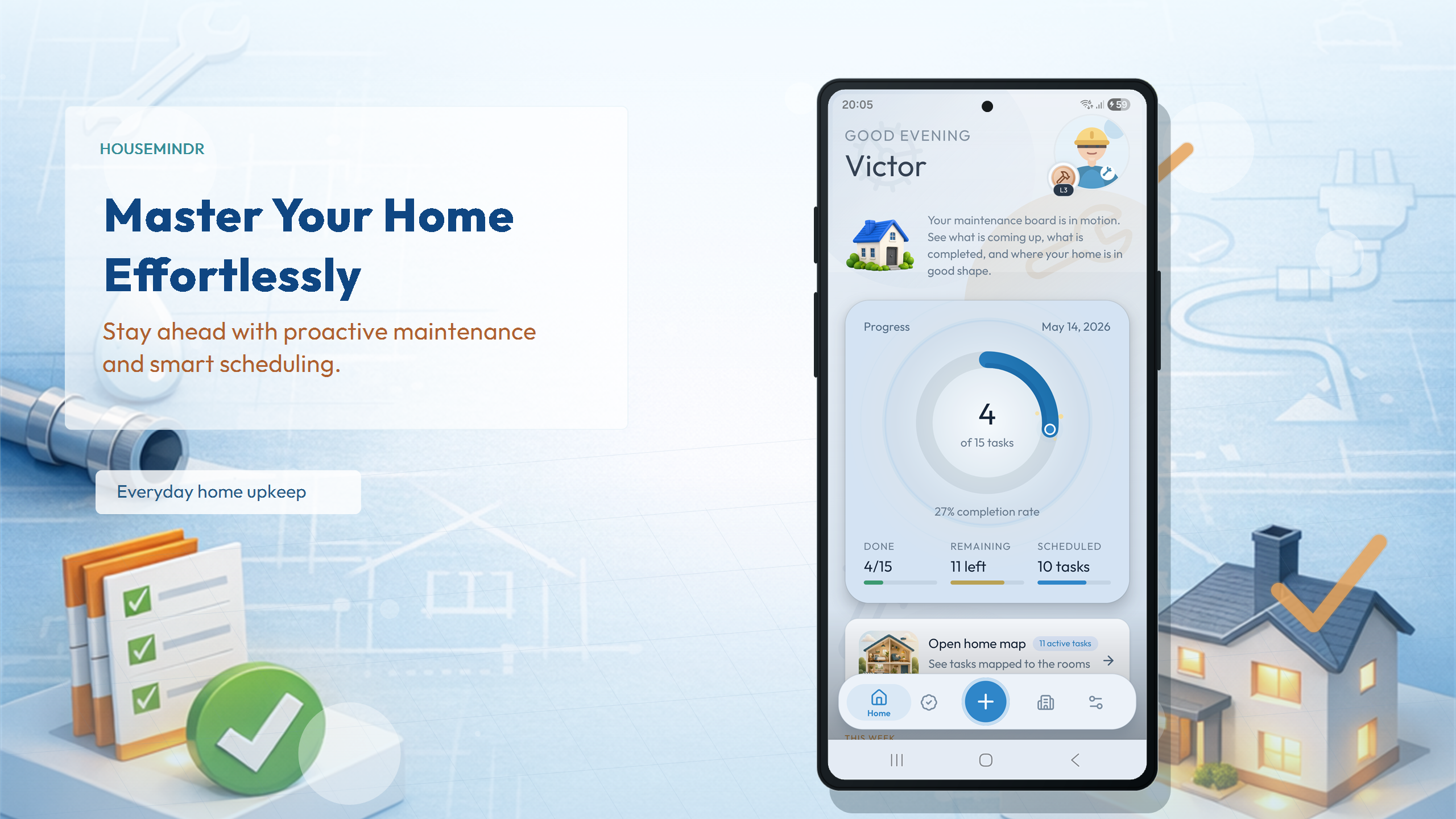
Housemindr turns recurring chores, rooms, appliances, reminders, guided repairs, and homecare progress into a plan you can actually keep.
From reminder to routine
Use Housemindr to spot what needs attention, plan around real dates, organize the places and things in your home, and get practical help when a job needs more than a reminder.
Same homecare world
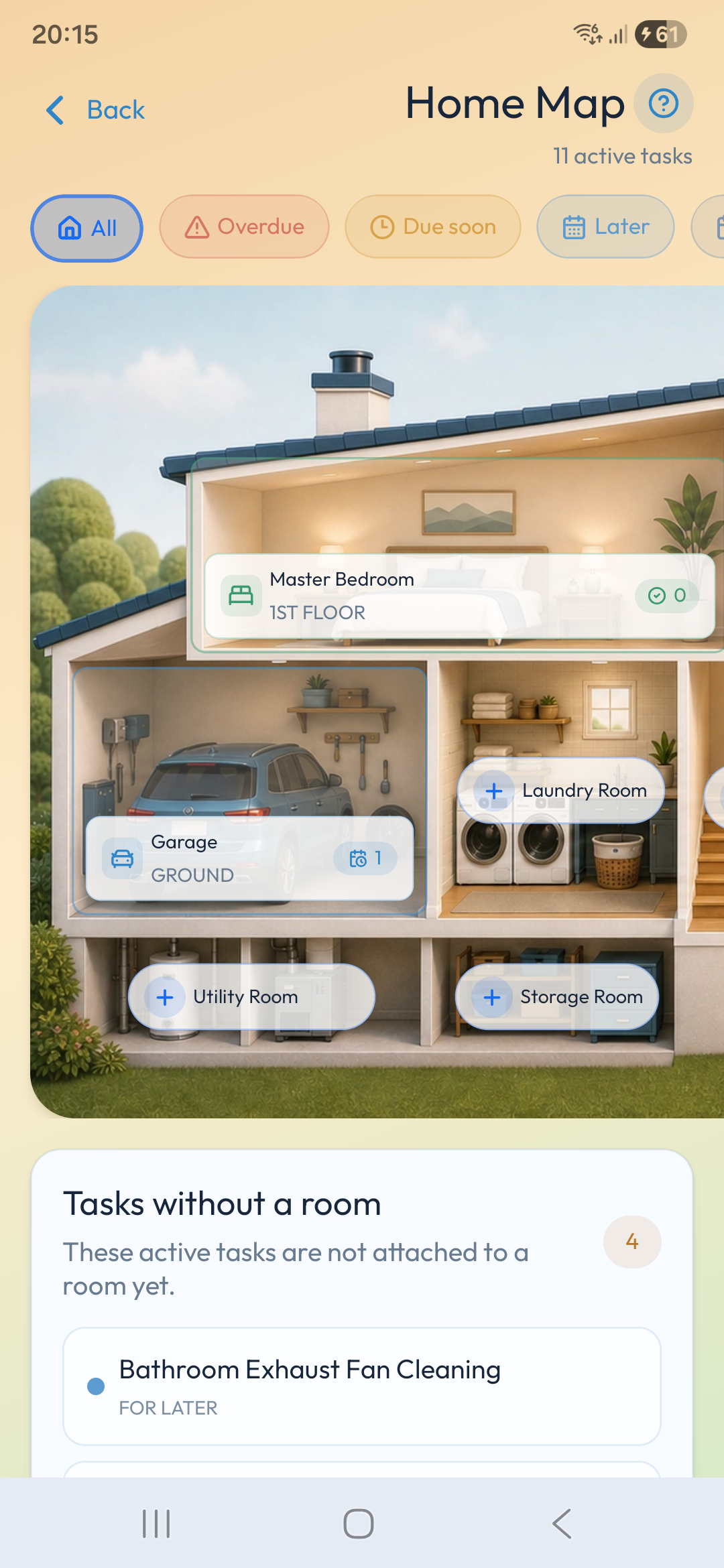
Housemindr brings the map, task lists, room context, and guided upkeep into one visual routine, so maintenance feels easier to understand before the work begins.
Free home maintenance tools
Plan costs, prevent waste, size equipment, and make smarter maintenance decisions with eight practical tools you can use right now.
Estimate a realistic yearly upkeep budget from your home's age, size, systems, and repair allowances.
Open calculatorTurn a dripping tap, running toilet, or hidden leak into estimated water waste and cost.
Open calculatorCalculate how many tubes of caulk, silicone, or sealant a joint or whole project will need.
Open estimatorEstimate the remaining service life of major appliances and home systems so replacements are easier to plan.
Open estimatorBuild a climate-, region-, and home-type-aware checklist of the maintenance that matters most this season.
Open plannerGet a replacement or cleaning interval based on pets, allergies, air quality, occupancy, and system use.
Open calculatorSize room cooling from area, ceiling height, sunlight, occupancy, and room type, with BTU/h, kW, and ton results.
Open calculatorModel household appliances, electricity use and cost, then explore how editable rooftop solar assumptions affect grid energy.
Open visualizerRoom-by-room planning
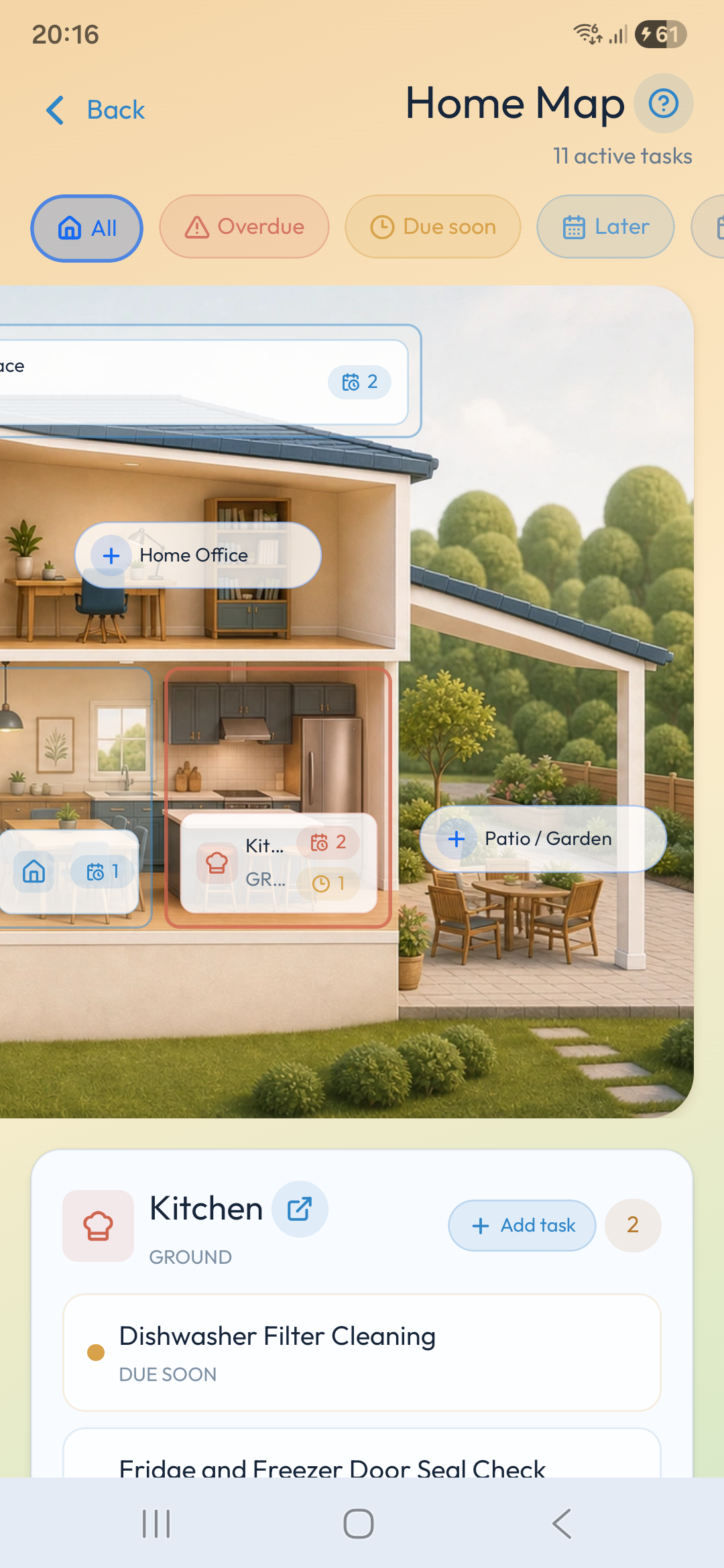
This demo mirrors the Home Map in Housemindr: filter maintenance by urgency, tap a room, and see the tasks attached to that part of the home.

Selected room
In the app these can be assigned to rooms. For this demo, they stay here to show the workflow.
Household co-op
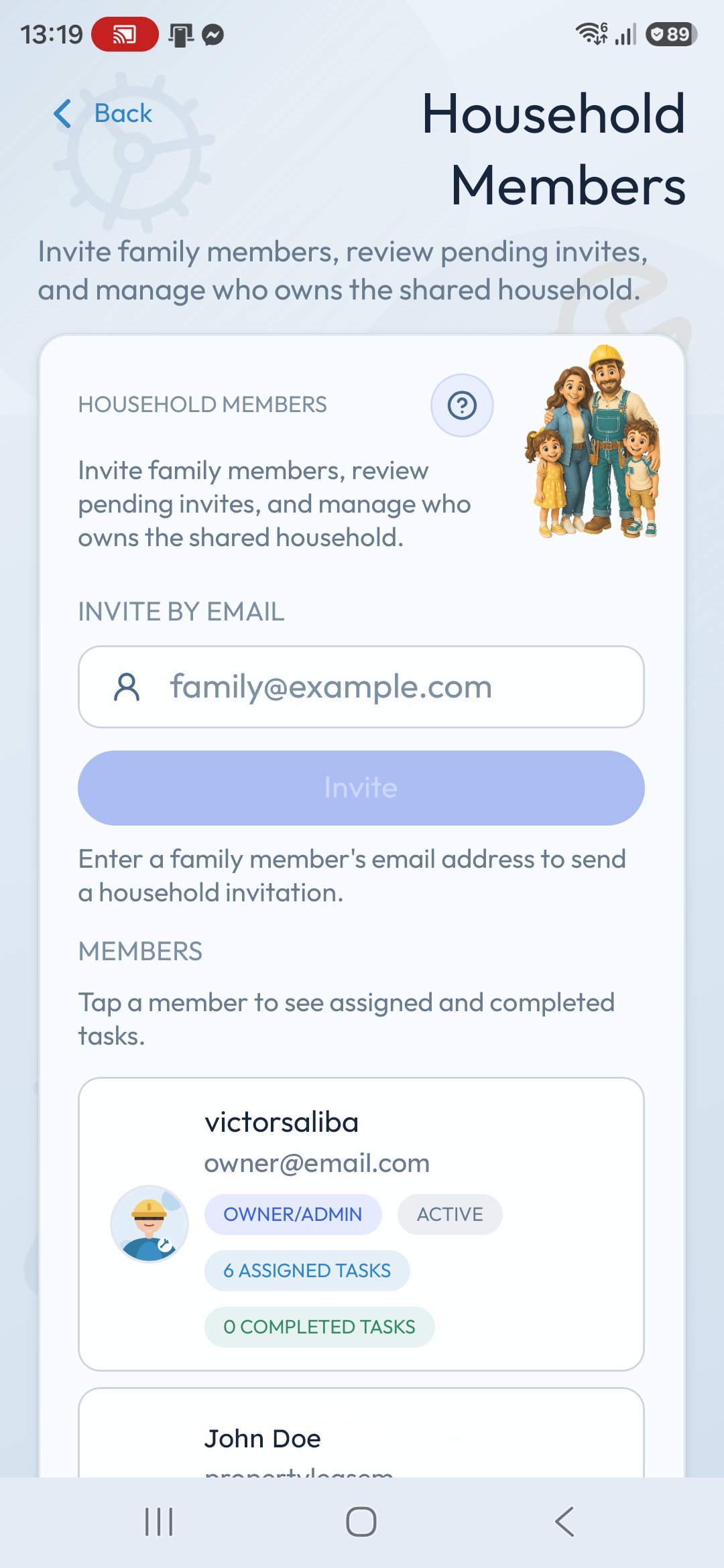
Invite trusted members, assign real responsibility, and make every completed task visible so home maintenance feels like teamwork instead of background mental load.
Owner/admin invites help trusted members join the shared home, see pending invitations, and start from the same source of truth.
Housemindr keeps household tasks tied to members, rooms, and due dates so nobody has to decode who is meant to do what.
Completed tasks stop disappearing into memory. The household can see progress, reduce duplicated effort, and keep the next cycle ready.
Member cards surface assigned and completed counts, making it easier to rebalance effort and celebrate the small jobs that protect the home.
A realistic use case
Maya kept most home upkeep in her head: the air filter, smoke detectors, dryer vent, sink trap, and patio drain all had different rhythms. None of them were hard on their own, but they were easy to forget until something felt overdue.
She set up Housemindr by adding rooms and key items, then created recurring tasks with real due dates: replace the HVAC filter every 90 days, test smoke detectors monthly, clean the dryer vent twice a year, check the kitchen sink trap, and clear the patio drain before heavy rain.
The useful part was not another checklist. Each task lived with the room or item it belonged to, carried its next due date, and came back automatically. When a due-soon week arrived, Housemindr showed what needed attention first instead of asking Maya to remember the whole house at once.
For unfamiliar jobs, she used guidance to review tools, safety notes, and tutorial results before starting. After finishing a task, the maintenance record kept the completion date, notes, and progress visible for the next cycle.
AI task creation
Tell Housemindr what needs doing, or photograph the maintenance issue in front of you. AI prepares a practical task draft, then keeps you in control of every detail before it is saved.
Type what you noticed and Housemindr swiftly pre-fills the Add Task screen with useful details for you to review.
Take or choose a photo and turn the visible maintenance need into a structured task draft before adding it to your home.
Review before saving
Features in order of impact
Start with the most urgent work, move into a clear calendar, then keep every room, guide, and milestone connected.
Focus for now
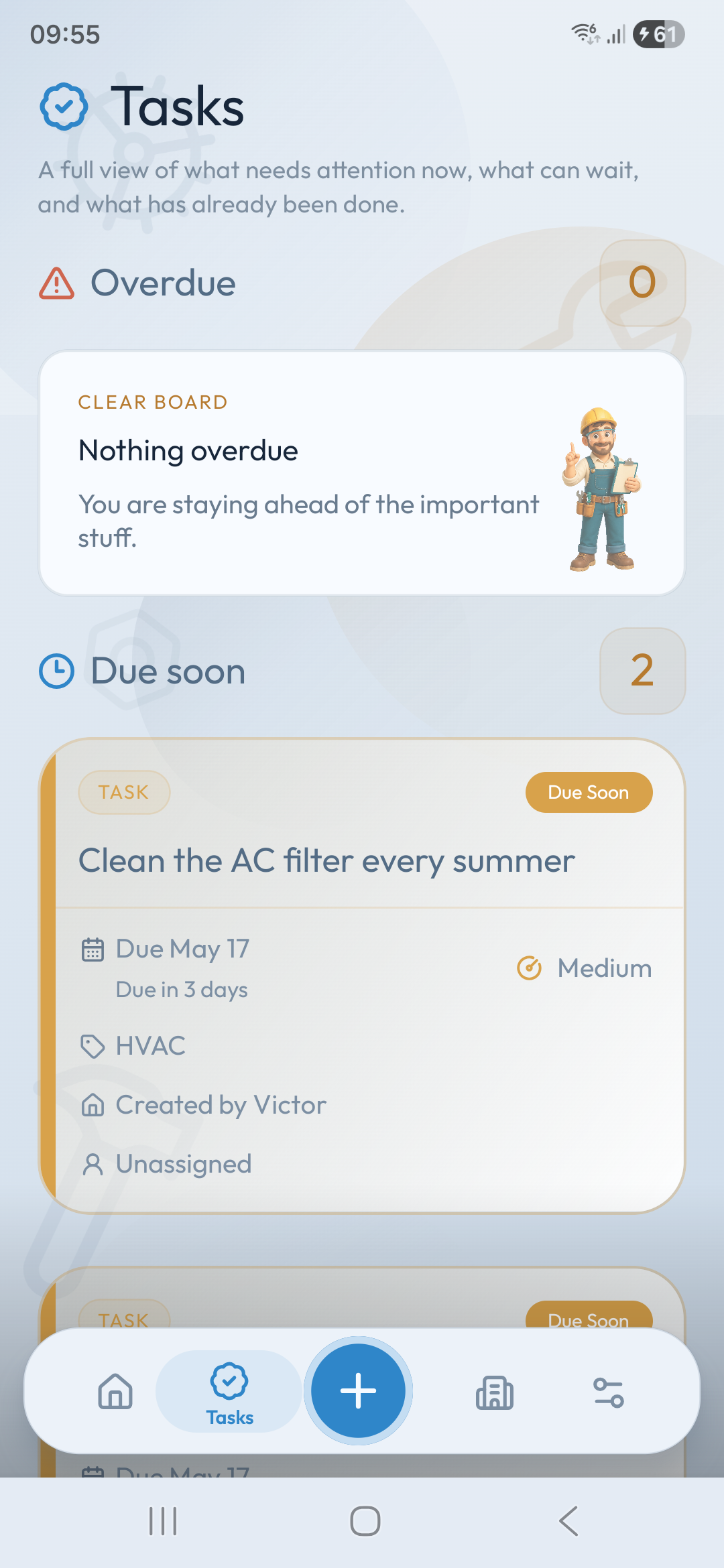
Open Housemindr and see overdue, due soon, later, unscheduled, and completed work without digging through a long list.
Timeline planning
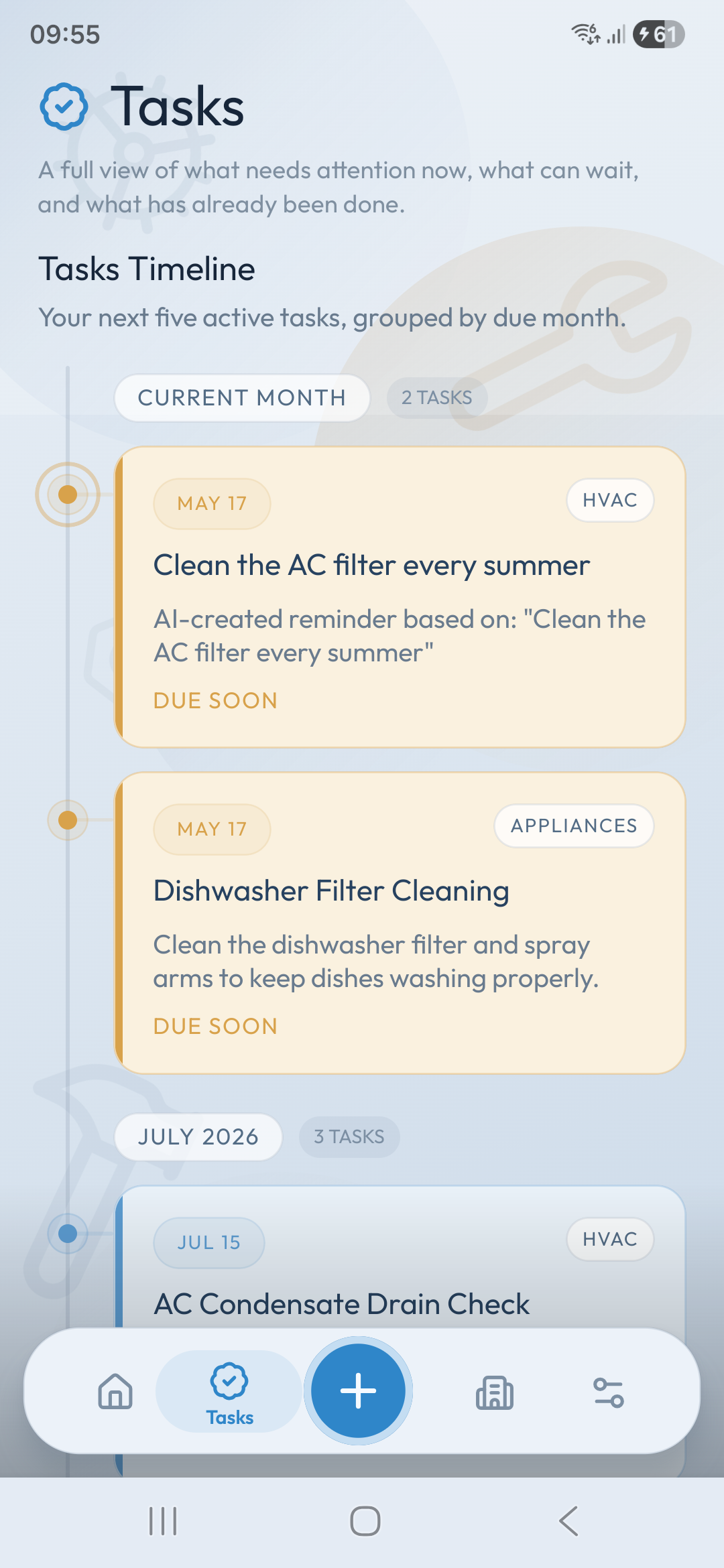
See upcoming maintenance by month and by task timeline so busy weeks stop sneaking up on the household.
Rooms and items
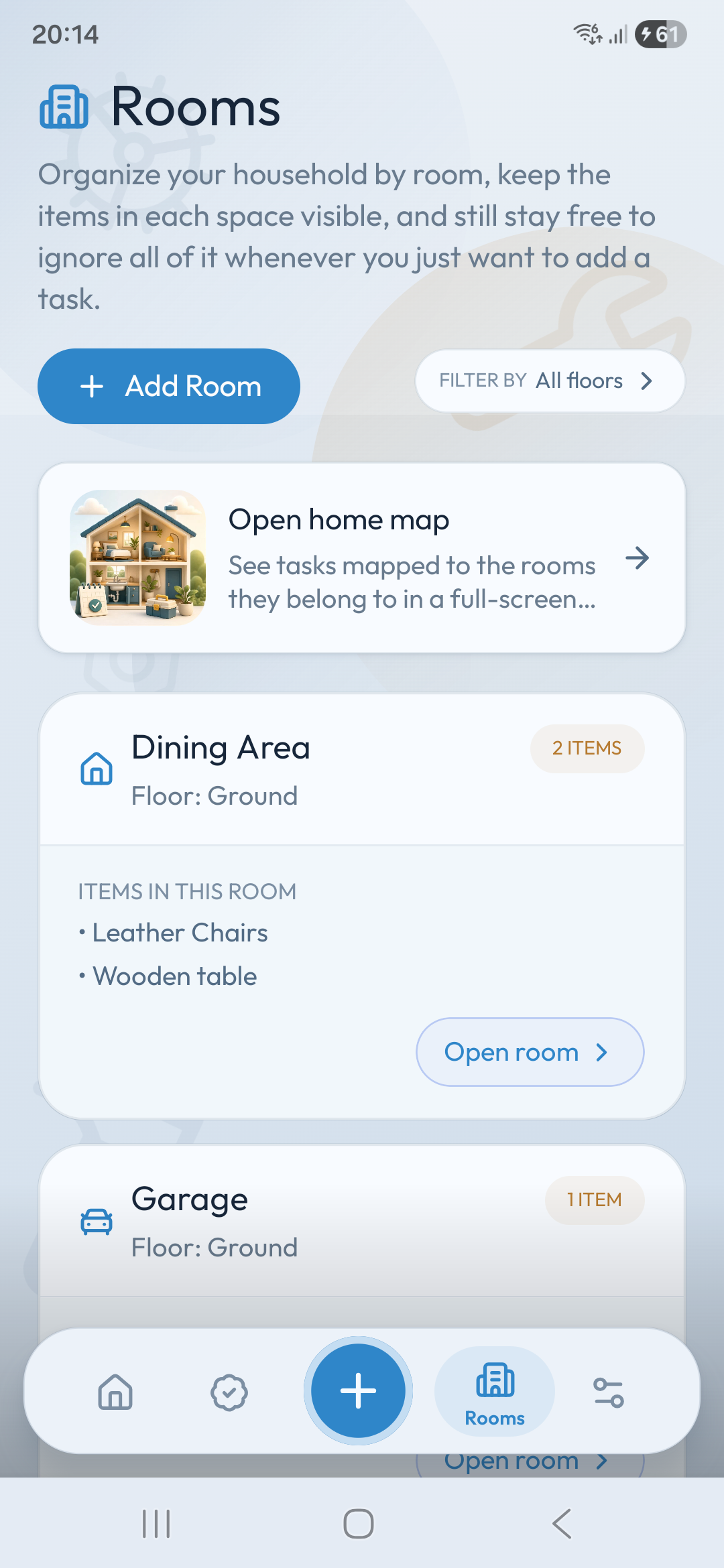
Keep maintenance context tied to rooms, appliances, fixtures, outdoor areas, and the items that need regular care.
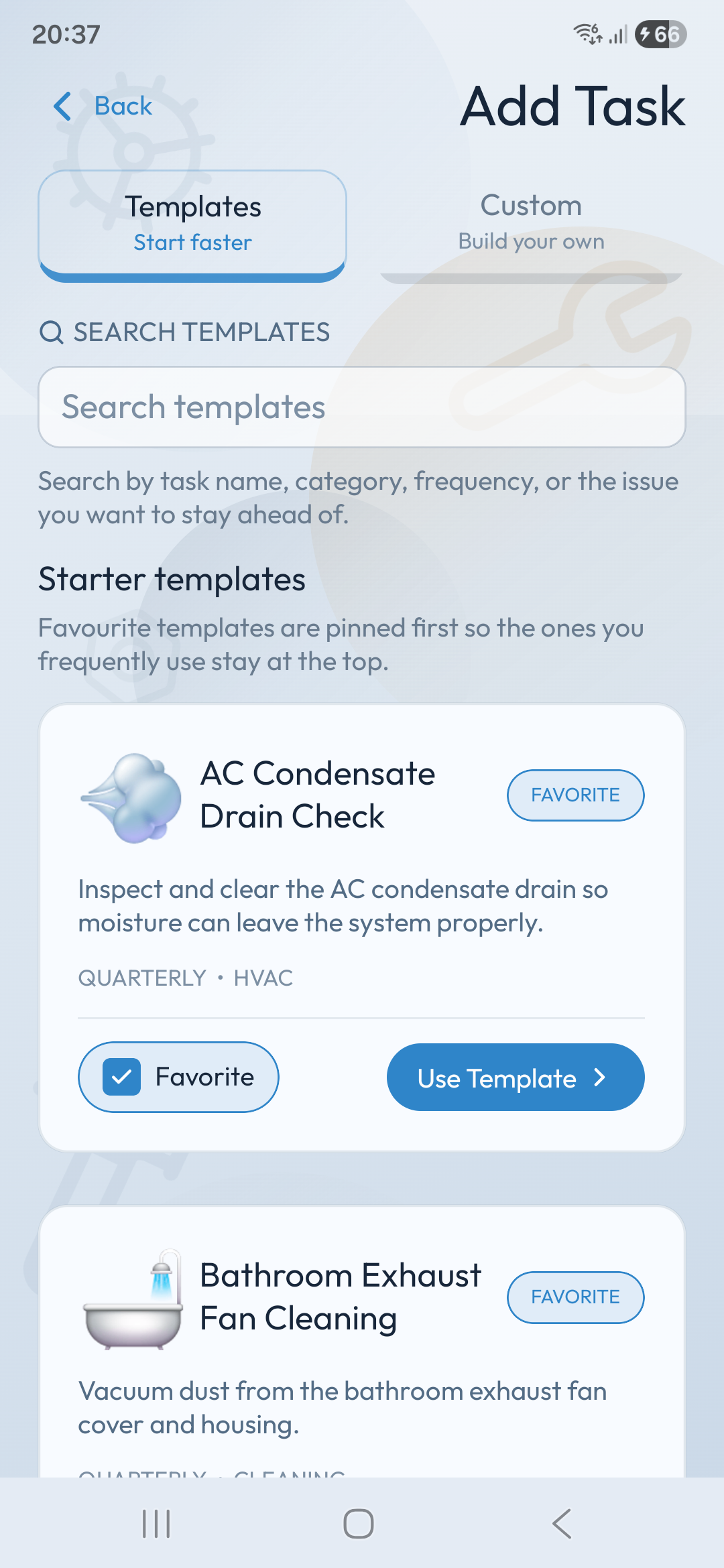
Starter templates
Start from common home maintenance templates, favorite useful routines, or create a custom task with the cadence that fits your home.
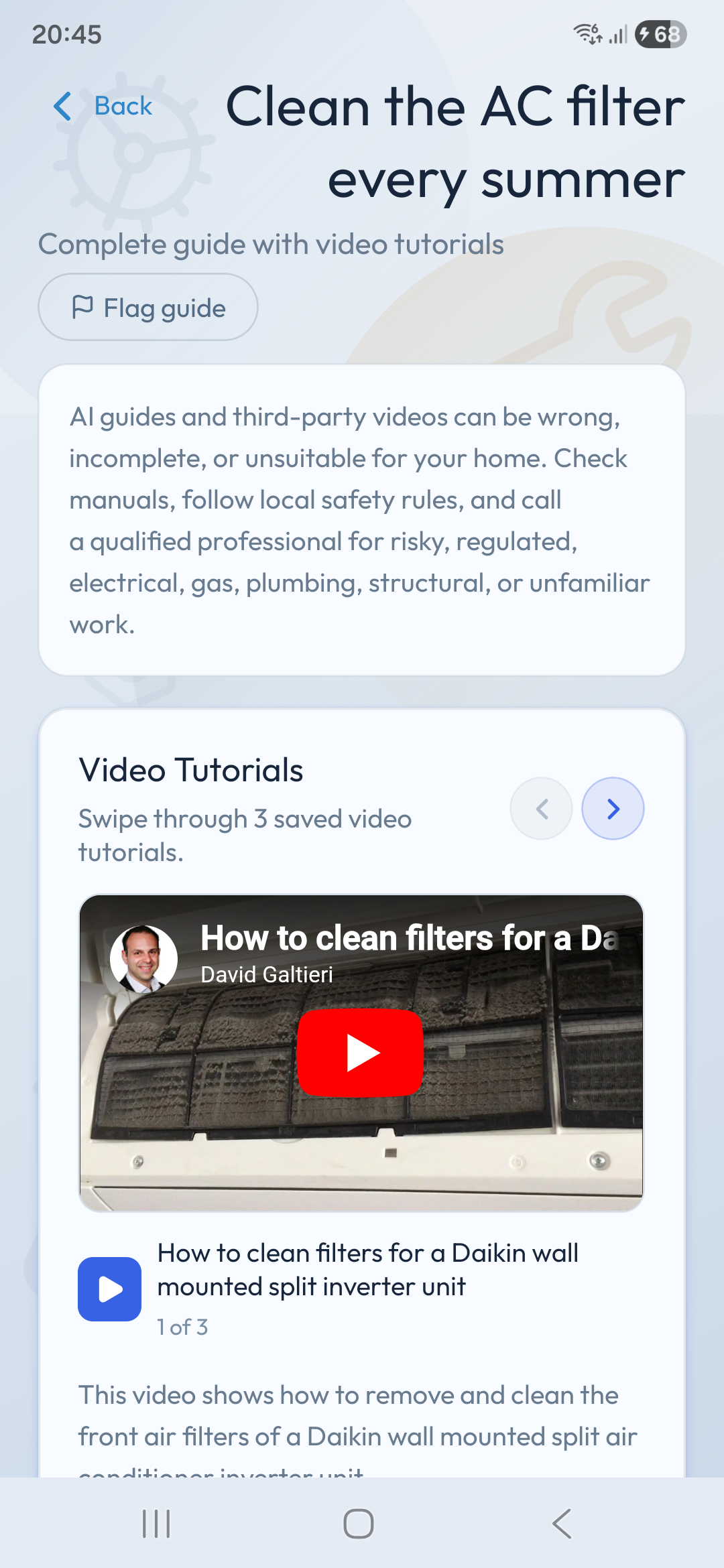
Guided help
Generate task guidance, review safety notes, add context, and open relevant tutorial results when a visual walkthrough helps.
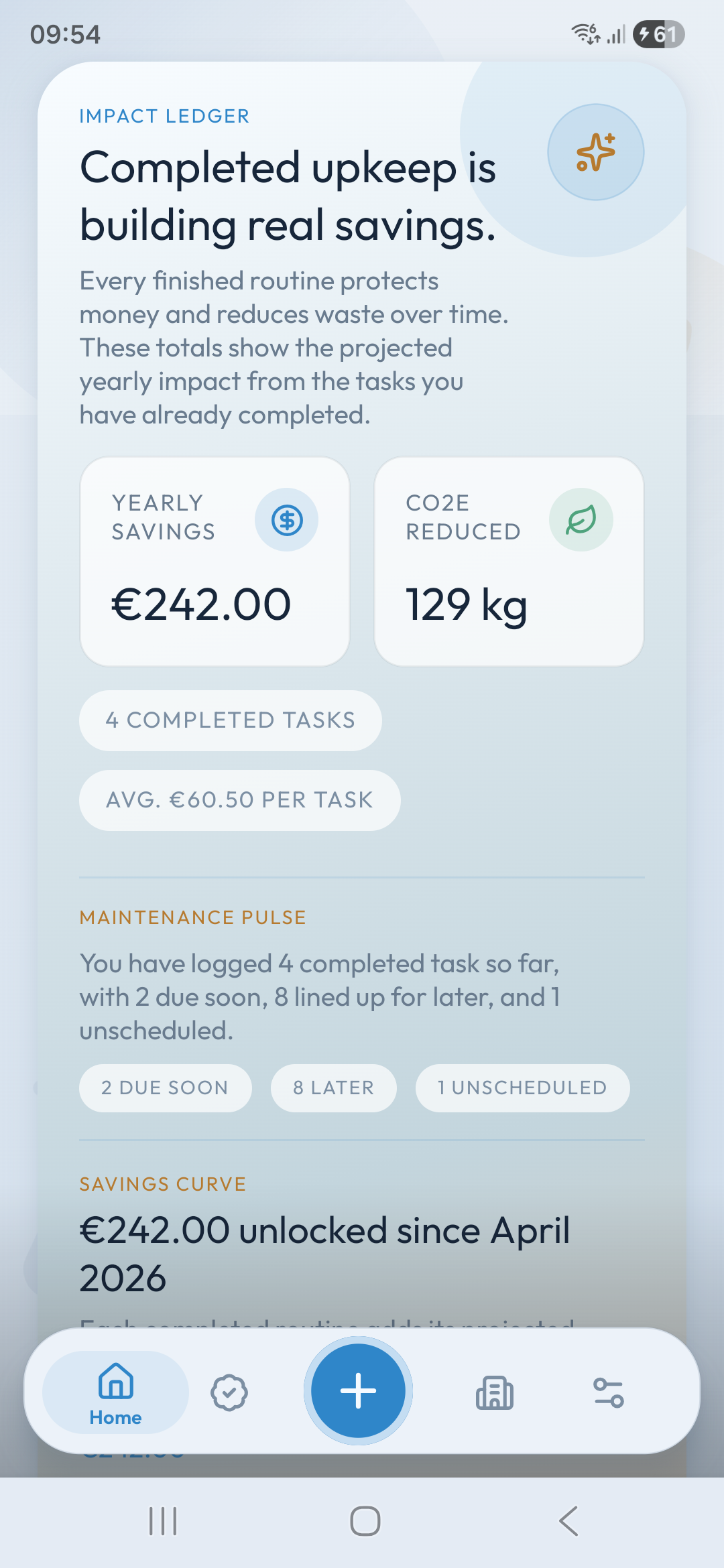
Home health
Track home health, completed tasks, money protected, and CO2 reduced so routine maintenance feels connected to real outcomes.
Shared upkeep
Home map views and shared routines make the next steps easier to understand, divide, and return to later.
Rewards and progress
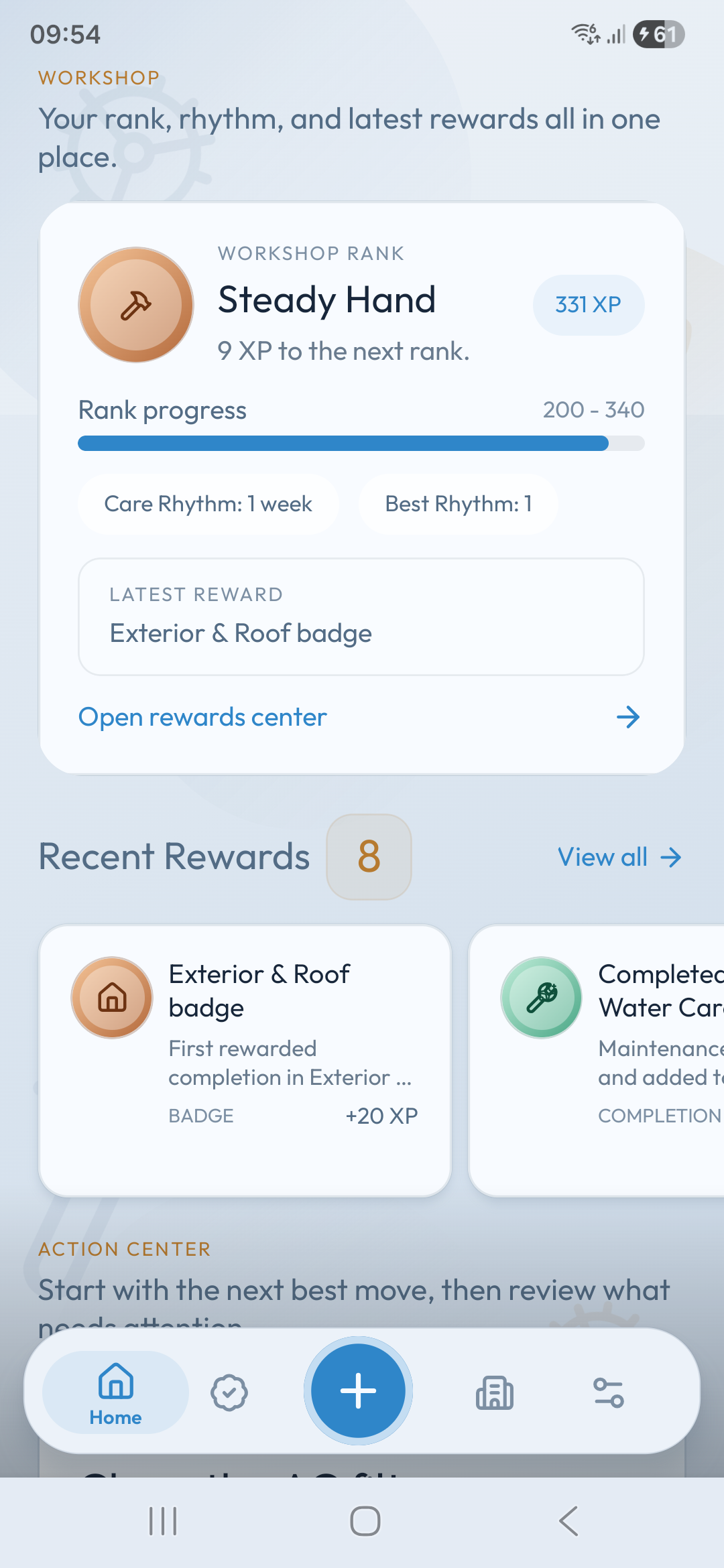
Ranks, XP, milestones, badges, and recent rewards give unglamorous household work a visible sense of progress.
Built for real homes
Filters, alarms, vents, appliances, outdoor care, seasonal checks, and custom reminders return on schedule.
Notes, due dates, categories, expenses, local task photos, rooms, and items stay close to the task.
Drafted task details, step-by-step guides, safety-minded notes, and tutorial discovery help you start with confidence.
FAQ
Clear answers about what Housemindr helps with, how to treat guidance, and how your maintenance data can be reset or deleted.
Housemindr helps you plan recurring home maintenance, organize rooms and items, track reminders, keep records, follow practical guidance, and make household upkeep easier to return to.
No. Housemindr helps organize information, reminders, records, and planning. For dangerous, regulated, unfamiliar, or high-risk work, follow manuals and local safety rules and contact a qualified professional.
Use them as planning support, not final safety instructions. Review every step before acting, because generated guidance and third-party videos can be incomplete, inaccurate, outdated, or unsuitable for your specific home.
Yes. Housemindr can help a household keep tasks, rooms, items, reminders, and progress in one shared routine. Only share a household with people you trust.
Task photos are intended to stay local to your device in this release and are not generally uploaded by Housemindr. They can help you remember labels, parts, before-and-after work, or maintenance conditions.
Yes. Start Afresh in app settings resets saved setup and maintenance data, while full account and data deletion is requested by email through the Account/Data Deletion page.

Download Housemindr
Plan recurring tasks, organize rooms and items, follow reminders, generate practical guidance, and keep progress visible.